
Make vs Zapier vs n8n for small teams: cost, ease of use, and who maintains it
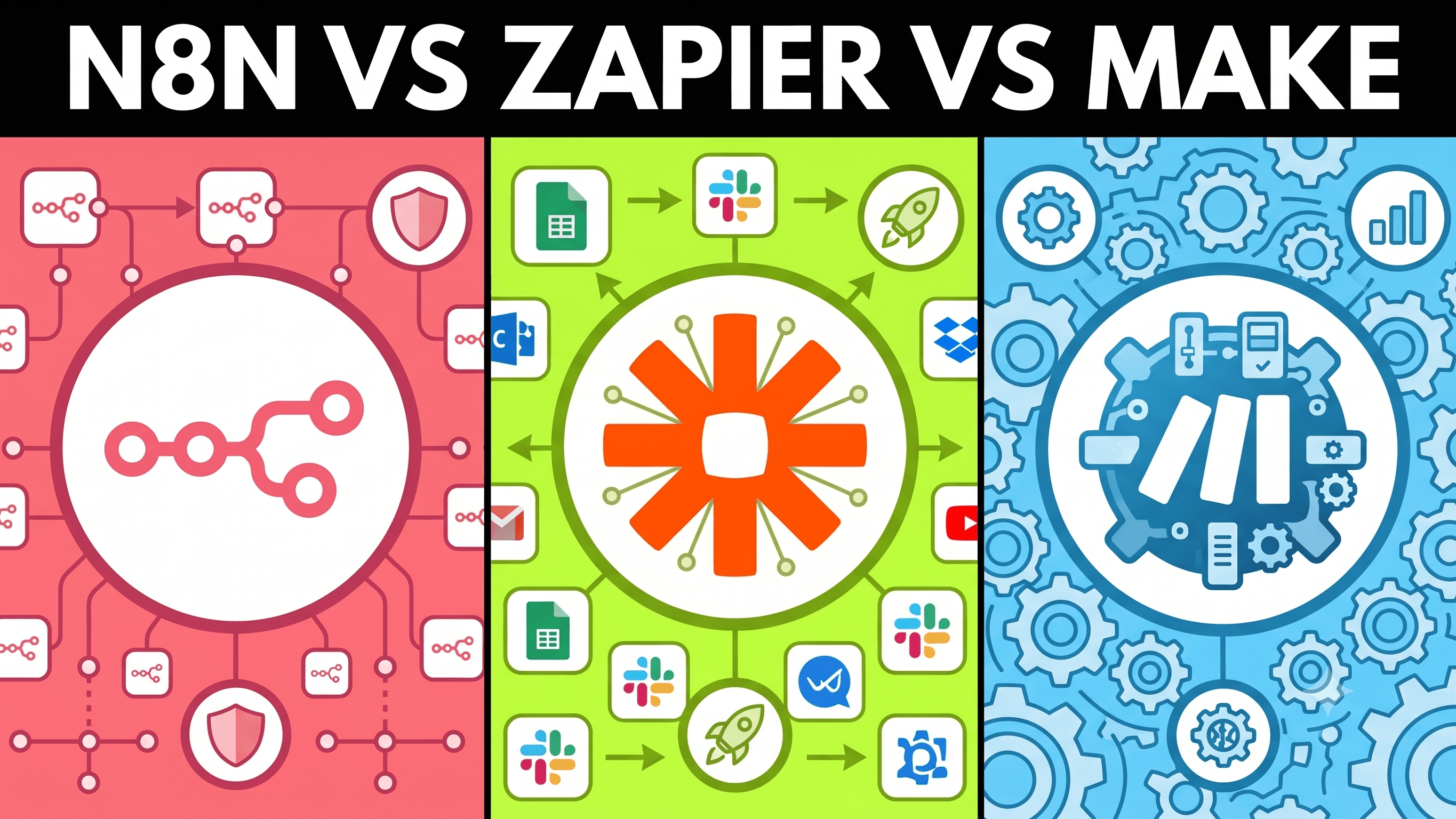
Zapier, Make, or n8n? All three connect apps. They charge differently, break differently, and need different owners. Compare on three things: cost at your volume, who maintains it, and how complex the workflow is.
IThe question that matters
- Who fixes this when it breaks in month six?
- How much does downtime cost per day?
- If nobody owns it, pause — no platform fixes that.
IICost
Zapier — per task
- Cheapest to start; best for few linear flows at modest volume
- Cost spikes with multi-step Zaps, filters, and high trigger volume
Make — per operation
- Strong for routers, loops, and error paths
- Every branch and retry adds to the bill
n8n — cloud or self-deployed
- n8n Cloud: pay per execution, similar tradeoffs to other SaaS tools
- Self-deployed: run on your own server (Docker, VPS) — no per-task fees, just hosting cost
- At high volume, self-deploy often undercuts Zapier and Make; you trade SaaS cost for infra and maintenance
Self-deployed n8n removes per-operation billing — compare at your expected monthly volume, not the free tier.
Rule: Estimate monthly tasks/operations before picking — not the free tier.
IIIEase of use
Zapier
- Fastest to first working flow
- Best for non-technical owners on simple, linear automations
- Gets awkward when flows need branching or deep debugging
Make
- Steeper learning curve, better for complex visual workflows
- Routers, iterators, and error handlers are built in
- Worth it if someone on the team learns it properly
n8n
- Most flexible, least friendly for non-technical owners
- Needs comfort with HTTP, JSON, expressions — sometimes Docker
- "Free self-hosted" is a trap without a technical owner
IVFunctionality
Most small teams connect the same apps: form, CRM, email, Slack, spreadsheet. Integration count is not the deciding factor.
What actually matters:
- Branching — split on conditions, retry, loop
- Error handling — stop, retry, alert, or fallback
- Data transformation — map and reshape payloads in the builder
- State — remember data between runs
- Control — self-hosting, custom APIs, audit needs
| Capability | Zapier | Make | n8n |
|---|---|---|---|
| App integrations | Largest catalog | Large catalog | Growing + custom HTTP |
| Branching & routers | Basic paths | Strong visual routers | Full flow control |
| Error handling | Limited | Error routes, retries | Granular error workflows |
| Code & custom logic | Code by Zapier (limited) | JS in modules | Code nodes, expressions |
| Data stores / state | Tables (newer) | Data stores built in | Workflow data + DB nodes |
| Self-hosting | Cloud only | Cloud only | Cloud or self-hosted |
VPick one
Zapier if:
- Flows are linear (form → CRM → Slack)
- Volume is modest
- A non-technical person will own it
Make if:
- Workflows branch, retry, or loop
- You need data stores without leaving the builder
- Someone will maintain a 15+ step scenario
n8n if:
- High volume makes per-task SaaS pricing too expensive — self-deploy can cut that cost
- You need self-hosting or strict data control
- Workflows need code steps or custom API logic
- A technical owner (internal or partner) is in place
Common mix: Zapier for simple glue → Make when flows grow → n8n for the one workflow that outgrows both.
VIWhere to start
- List your top 3 workflows — triggers, steps, volume
- Name an owner for each
- Compare cost at your volume
- Match complexity to the platform
You do not need the "best" tool. You need one your team will maintain when it breaks on a Friday.
Related: Build vs buy for small sales teams.